
niji・journey - AI Anime Art
SpellbrushArt & Design
3.9361.00 Reviews
- Version
- 1.43.0
- Installs
- 1.00M
- Age Rating
- Teen
Screenshots
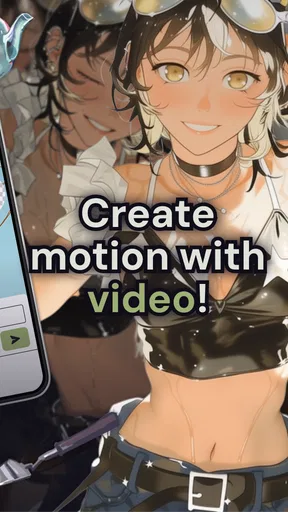
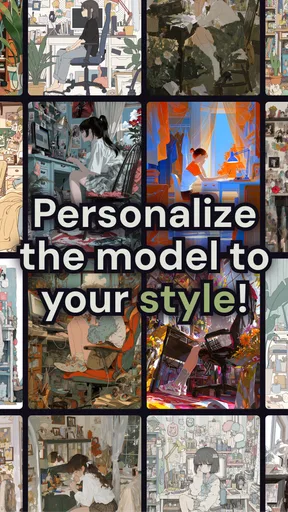
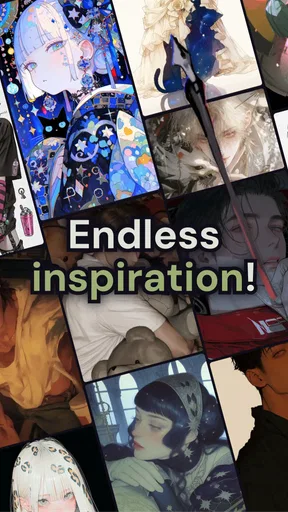
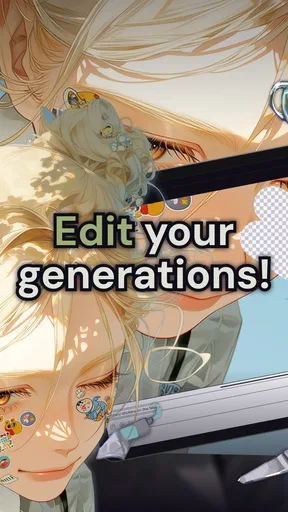
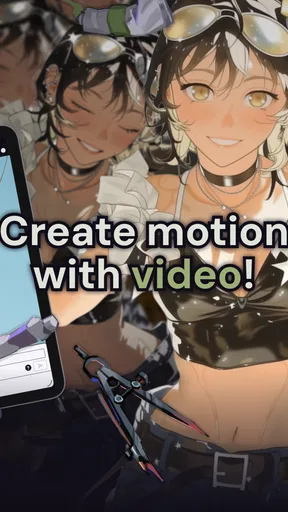
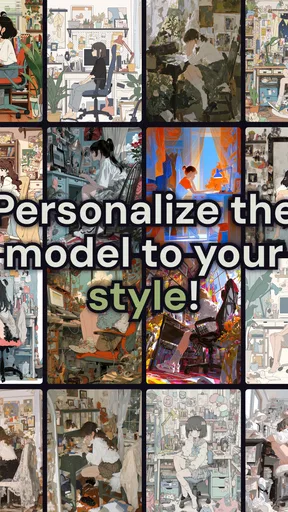
Our Review of niji・journey - AI Anime Art
 Analysis by Appyee
When I use an AI art app, I’m not only asking whether it can make an attractive picture. I also want to know what choices I have before I share an image, whether the creative process feels understandable, and whether the app fits the kind of work I want to make. niji・journey is an anime-focused art app from Spellbrush, and its appeal is easy to grasp: it gives people a way to explore anime imagery without first learning to draw every detail by hand.
That convenience comes with a trade-off I keep in mind. A generated image can be fun inspiration or a starting point, but it is not the same as building drawing skills or having precise control over every line. I’d approach it as a creative tool for experimenting, not as a replacement for an illustration program when exact edits and a carefully controlled workflow matter most.
What I would check before sharing
AI art can involve personal material, especially if you use a face, a sketch, or an image from your camera roll as a starting point. Before uploading anything sensitive, I would pause to review the app’s current permission prompts and privacy information, and decide whether that particular image is appropriate to use. A portrait of a friend, a child, or a private drawing deserves more care than a made-up character prompt.
I also wouldn’t assume that a sharing option is private simply because it appears inside a creative app. If I wanted to show someone an image, I’d check the audience and visibility choices on the sharing screen before posting. When I’m only testing ideas, I prefer to keep the result to myself until I’ve decided it is ready to leave my device or account.
Make a small, deliberate first project
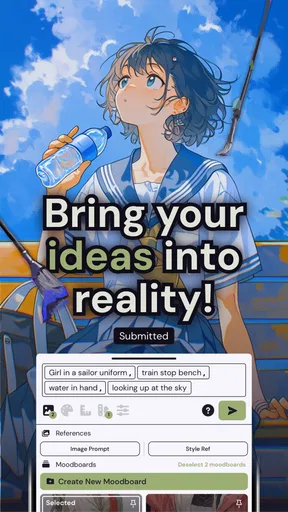
For a first session, I’d pick a fictional character idea and a clear goal rather than uploading a personal photo immediately. For example, I might try to picture a cheerful student with a red umbrella on a rainy street. A simple concept makes it easier to judge whether the output matches the mood I imagined, and it gives me a useful base for changing one detail at a time.
That one-change-at-a-time approach is a practical way to learn an AI art tool. If I alter the clothing, setting, lighting, and expression all at once, I can’t tell which instruction affected the result. Keeping most of the idea steady while adjusting one element gives me a better sense of how to guide the image, and it avoids turning each attempt into an unrelated roll of the dice.
Where it fits among art apps
Compared with a traditional drawing app, this is a better fit when I want a quick anime-style concept and don’t want to draw every shape myself. A conventional canvas gives an artist more direct control over brushwork and corrections; an AI-led workflow trades some of that precision for speed and surprise. If I need clean, repeatable artwork for a commissioned project, I’d want a workflow that offers dependable control over individual details.
It also differs from broad-purpose image generators by focusing its identity on anime art. That focus can be useful when I’m exploring character concepts or a manga-inspired mood, but I wouldn’t choose an anime specialist for every visual task. A poster, diagram, or realistic product image may call for a different kind of tool. The best choice depends on whether I want anime styling to be the point or merely one option among many.
Who is likely to enjoy it
I can see this app working well for anime fans who want to turn an idea into an image, writers who need a visual prompt for a character, and beginners who want a low-pressure way to explore composition and style. It can also help a group of friends make playful concept art together, provided everyone is comfortable with how the image is created and shared.
I’d skip it if my main goal were learning traditional drawing fundamentals, editing a photograph with exact manual control, or producing artwork that must match a strict visual brief. Those needs are better served by a drawing or photo-editing app where I can place and revise each element myself. AI output can be unpredictable, so someone who wants every result to follow precise instructions may find repeated adjustments frustrating.
A useful way to test the workflow
One everyday use is planning a character for a story. On a commute or during a short break, I could develop a compact description, generate a few visual directions, and save the one that best captures the character’s personality. Later, I could use that image as a reference for a hand-drawn version, a writing prompt, or a conversation with a collaborator. I would treat it as inspiration rather than a finished design if consistency across several poses is important.
A small prompt journal can make those experiments more useful. I’d keep the wording for a result I like, note the one change that improved it, and avoid changing several ingredients at once. This helps me learn from attempts instead of relying on memory. It also makes it easier to return to a promising concept without assuming that a similar prompt will produce an identical image.
Unleashing Your Inner Artist
If you’re anything like me, you’ve probably spent hours admiring the intricate details and vibrant colors of anime art. What if I told you there’s an app that lets you create your very own anime artwork with the help of AI? Enter niji・journey - AI Anime Art, the app that’s got everyone talking.
Unleashing Your Inner Artist
First things first, let’s talk about what makes niji・journey - AI Anime Art stand out from the crowd. This app is a creative playground where your imagination gets to run wild. Whether you're a seasoned artist or just someone who loves anime, this app helps you dive into the world of anime creation with just a few taps on your phone.
The user interface is sleek and intuitive. It’s designed so that anyone can jump right in without feeling overwhelmed. You’re greeted with a simple menu that guides you through the process of creating your first masterpiece. Trust me, I’m not the most tech-savvy person out there, but I found myself navigating the app like a pro in no time.
Features That Wow
One of the coolest features of this app is its ability to transform your sketches into anime-style artwork. You start by either uploading a picture or sketching directly in the app. The AI then works its magic, turning your initial doodles into something that looks like it was straight out of a manga.
The variety of styles you can choose from is mind-blowing. Whether you’re going for a classic shōnen look or something more modern and edgy, the app’s got you covered. The AI analyzes your input and suggests styles that fit perfectly with your vision. It’s like having a professional anime artist in your pocket.
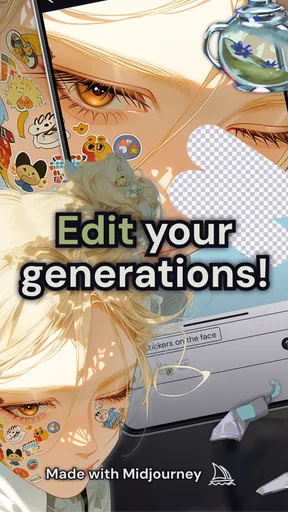
What’s more, the app offers a range of editing tools that allow you to tweak and refine your creations. Want to adjust the color palette? No problem. Feel like adding a little extra flair with some sparkles or gradients? Go for it! These tools are incredibly user-friendly, making the editing process both fun and rewarding.
Why I Can’t Get Enough
Alright, let’s get personal for a moment. I’ve always been fascinated by the world of anime, but I never thought I had the skills to create anything remotely decent. niji・journey - AI Anime Art changed all that for me. It’s not just an app; it’s a gateway to creativity.
I’ve spent countless hours experimenting with different styles and techniques, and each session leaves me more inspired than the last. The app isn’t just about creating art; it’s about discovering a new side of yourself and gaining confidence in your artistic abilities.
The community aspect is another highlight. You can share your creations within the app and get feedback from other users. It’s a supportive and vibrant community where everyone is eager to learn and grow together. Seeing others’ artwork is also a fantastic way to get inspired and pick up new techniques.
Practical limits, cost, and fit
I’d keep expectations realistic around refinement. Editing tools can make a result feel more personal, but small adjustments are not the same as precise control over every feature. If an image has an awkward hand, a mismatched accessory, or a detail that matters to a story, I would not assume a quick tweak will fix it cleanly. I’d either try a fresh direction or move the image into a tool built for detailed manual editing.
The app is free to install, with optional in-app purchases priced from $3.99 to $59.99 per item. That makes it possible to explore without paying up front, but I’d check what an offered purchase covers before committing, especially if I’m only curious about the basic experience. I’d also be mindful of repeated spending: experimenting can be enjoyable, yet it is easy to lose track when each new attempt feels like it might produce the perfect image.
It has a Teen content rating, so I would still use ordinary judgment when deciding what to create or share, particularly if younger people are involved. The app has an average rating of 4.0 from around 4.9 thousand ratings, with 347 written reviews, and has passed 500 thousand installs. Those figures suggest a substantial audience, but they don’t tell me whether its style or workflow will suit my own taste; trying a small, low-stakes idea is a more useful test.
The release date is October 14, 2023, and the current version is 1.32.0. It requires Android 10 or newer. I’d check compatibility before planning to use it on an older device, and I’d keep the app updated when practical so I’m using its current version rather than relying on an outdated setup.
Final Thoughts
So, is niji・journey - AI Anime Art worth the download? Absolutely! Whether you’re an anime aficionado or just someone looking to explore a new hobby, this app offers an unparalleled experience. It’s fun, engaging, and incredibly rewarding.
With its user-friendly interface, powerful AI capabilities, and a supportive community, this app is a must-try for anyone looking to dip their toes into the world of anime art. So go ahead, unleash your creativity, and see where your niji・journey takes you!
My cautious recommendation
I’d recommend trying it if anime-inspired image making sounds enjoyable and you’re happy to treat the results as experiments rather than guaranteed finished artwork. Start with an invented subject, learn how changing one part of an idea affects the image, and decide for yourself whether the available editing and sharing choices feel comfortable. That gives you a fair sense of the creative experience without putting personal material into the first test.
For me, the strongest reason to use it is the quick path from a mental image to an anime-style visual. The main reasons to look elsewhere are equally clear: exact authorship over every mark, dependable consistency across a series, or a workflow where privacy and control need to be carefully established before any upload. I find it most useful as a playful idea generator, and least convincing when treated as a substitute for a skilled illustrator or a precise drawing canvas.
Verdict
Strengths of niji・journey - AI Anime Art
- Impressive anime-style art generation.
- User-friendly interface for easy navigation.
- Wide variety of customization options.
- Regular updates with new features.
- Responsive and helpful customer support.
Limitations of niji・journey - AI Anime Art
- Requires a stable internet connection.
- Limited free access without subscription.
- Learning curve for advanced features.
- Occasional lag in image processing.
- In-app purchases can be pricey.
Similar Picks in This Category
View All
Canva: AI Photo & Video Editor
Canva4.8

PENUP – Drawing-sharing SNS
Samsung Electronics Co., Ltd.4.5

Crafto
Kutumb App4.6

Sketchbook
Sketchbook4.1

ibis Paint X
ibis inc.4.5

Adobe Express: AI Photo, Video
Adobe4.6
Frequently Asked Questions
What is niji・journey - AI Anime Art?
niji・journey - AI Anime Art is an innovative mobile application that uses artificial intelligence to transform your photos into anime-style artwork. The app offers a variety of filters and customization options to give each image a unique anime aesthetic, making it popular among anime enthusiasts and digital art fans.
Is niji・journey available on both Android and iOS?
Yes, niji・journey - AI Anime Art is available for download on both Android and iOS platforms. You can find it on the Google Play Store for Android devices and the Apple App Store for iOS devices. This ensures that a wide range of users can enjoy its features regardless of their smartphone preference.
Does niji・journey require an internet connection to work?
niji・journey primarily operates by leveraging AI technology, which often requires an internet connection to process images on the cloud. While some basic features might work offline, for the best experience and to access the full suite of filters, it's recommended to have a stable internet connection.
Are there any in-app purchases or subscriptions in niji・journey?
niji・journey offers a free version with basic features, but to unlock additional filters and advanced customization options, users may need to make in-app purchases or subscribe to a premium version. This allows users to enhance their experience and access exclusive content offered by the app.
How user-friendly is niji・journey for beginners?
niji・journey is designed with an intuitive interface, making it accessible for beginners. The app provides easy-to-follow instructions and a straightforward navigation system, allowing users to quickly learn how to apply filters and customize their anime art. Its user-friendly design ensures that even those new to digital art can create stunning images with ease.
